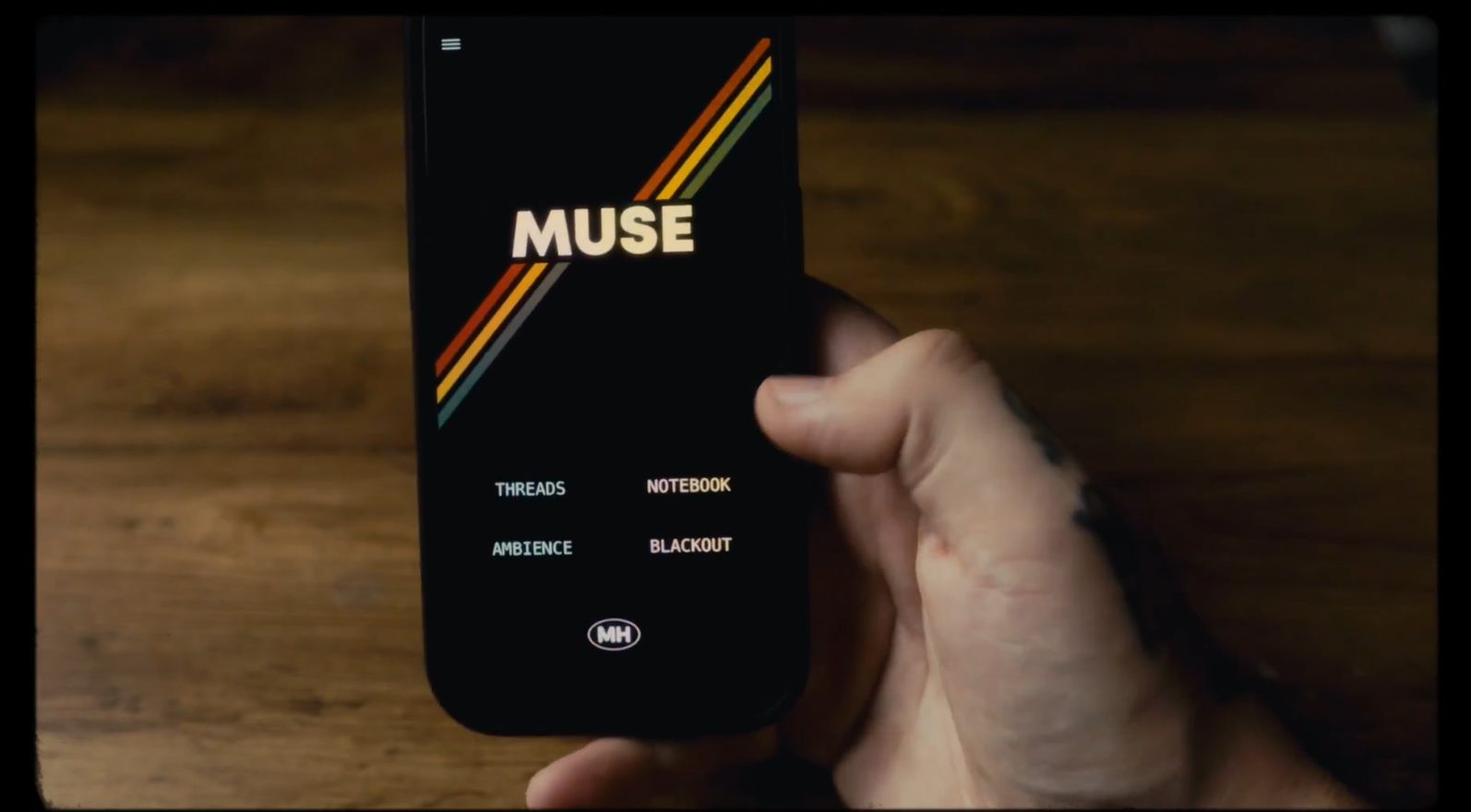
MUSE is advertised as a “distraction-free creative studio for mentalists and magicians” that allows you, distraction-free, to create and develop your routines, write your thoughts, ideas, dreams, or just some simple notes, while enjoying nice music and sound effects during the creative process.
The APP is available on the App Store only for iOS for £14.99
Link here.
MUSE is divided into four sections:
Notebook – Capture ideas, scripts, and dreams. Tag entries with creative themes.
Threads – An idea generator with one million unique prompts to spark new stories and routines.
Blackout – A script memoriser that hides random words like a game, helping you rehearse with intuition.
Atmos Engine – Mix ambient soundscapes to write, rehearse, or focus. Transform your world into a cinematic moment.
Quite simple right?
Well that’s the beauty of it!
Notebook is the section you might use first.
A section to write your thoughts and tag them as (and only) “THOUGHTS”, “SECRETS”, “SCRIPTS”, “DREAMS”, “SHADOWS” and “STORIES” to organize them better and you can also filter them by tags so they’re easily able to be found.
Lewis goes into the tutorial and explains the why he stays with those tags only too.

Threads is an idea generator.
It helps you to create routine with “STORYS”, “WHAT HAPPENED” and “TRIGGERED BY”. What’s very interesting is that those sentences came from real performers and mentalists that Lewis asked for their thoughts! Some of them are actually very interesting and for sure had some ideas from it!
See it in action below:

Blackout is a feature that allows you to hide some part of a script.
While you are working on your script, you can select how much is going to be hidden, and the app will automatically hide some words at random. This way it challenges you to memorize everything, and I used a very similar technique for memorizing scripts in the past for Enigma by Christian Grace for example or other presentations I had in mind.
See it by yourself here:

And finally:
Atmos Engine
Think of this one as a MIXER for sound effects and create an ambiance while you’re writing and creating your routines.
I love listening to music while I’m brainstorming magic ideas alone, this features also works in the background so I can jump from apps to apps if I need to, and I stay in the same “mind focus status” if that make sense.

My verdict:
Overall, I really enjoyed this app and I use to write my thoughts and routine ideas.
For the price, you’ll get a solid creative tool for building and writing your routines while enjoying sound effects in the background.
I’m a sucker for those type of apps. And I love Lewis work in general so I decided to buy it and I’m pleased with my purchase.
PROS & CONS
✅ Amazing design and layout
✅ Love to use it and have a dedicated app just for magic
✅ Sound effects recorded by Lewis himself are high quality
✅ Shuffle idea is very good and have actually interesting suggestions
❌ No iCloud support. Syncing along devices isn’t possible so nothing saved in the cloud
❌ Only for iPhone? But it’s common those days.